





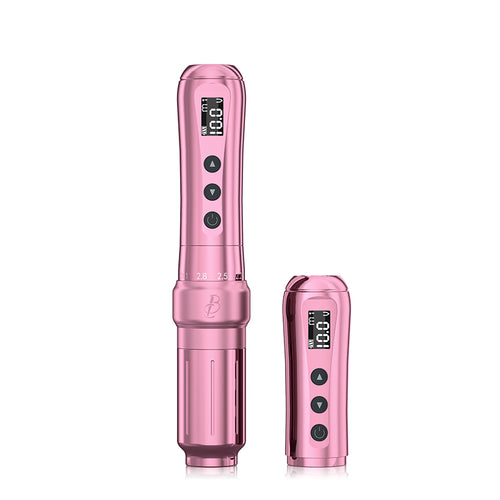
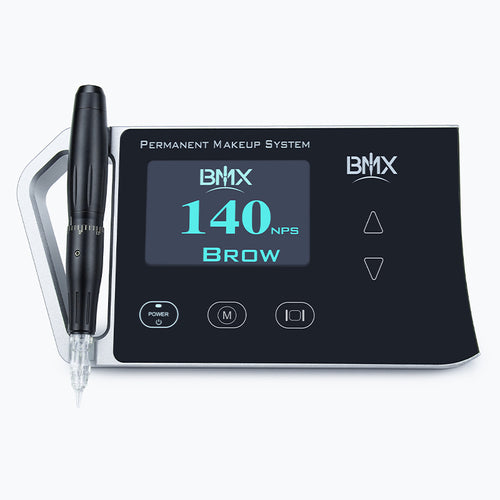
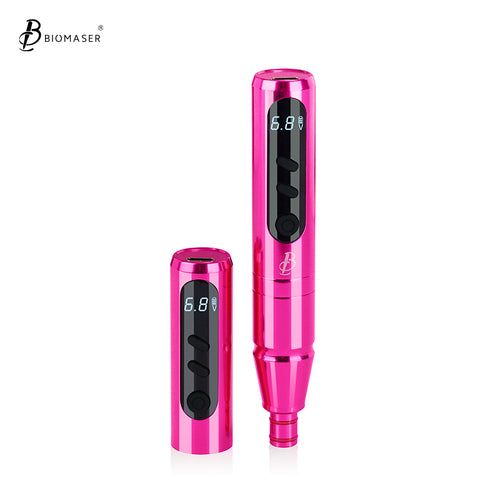
How to Tell If PMU Cartridges Are Compatible With Your Machine
Key Takeaways
- A PMU cartridge that fits your machine may not be fully compatible.
- Start with your exact machine model and its cartridge system.
- Check the connection type, cartridge housing, membrane, and locking method.
- "Universal" does not guarantee compatibility with every PMU machine.
- Test a new machine-cartridge combination on a practice surface before client work.
Buying PMU needle cartridges can become confusing when several products look similar and use terms such as "universal" or "standard." A cartridge may slide into a machine yet still have an unsuitable connection or unstable movement.
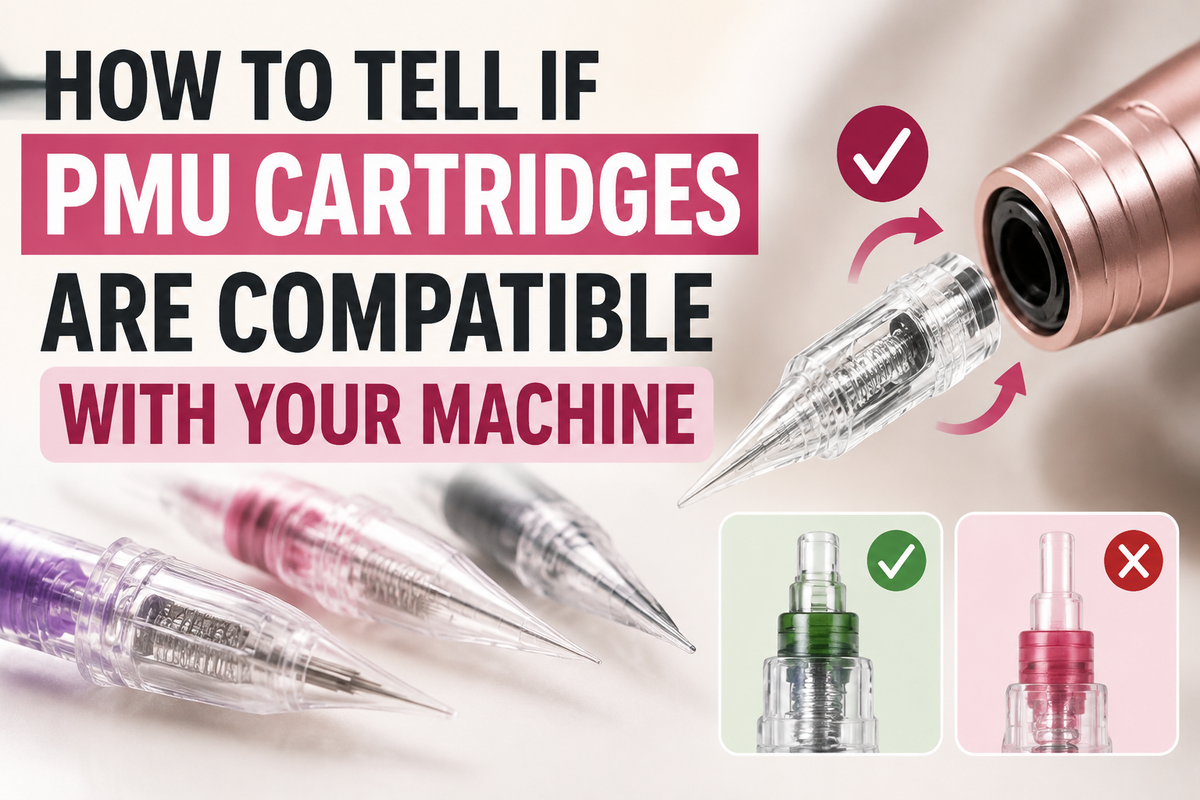
Learning how to tell if PMU cartridges are compatible starts with the machine, not the needle configuration. You need to check the cartridge system, physical fit, manufacturer specifications, and machine response as a complete setup.
What Does PMU Cartridge Compatibility Actually Mean?
A proper compatibility check goes beyond asking if a cartridge can enter the handpiece. The cartridge must connect correctly, lock securely, and work within the machine's intended design.
Physical Fit Is Only the First Check
A cartridge can appear to fit while still having problems such as:
- Loose movement inside the grip
- An incomplete connection
- Poor needle alignment
- Limited depth adjustment
- Unstable needle movement
Current PMU equipment information also separates physical fit from full technical compatibility. A cartridge should use the supported connection system and remain stable during operation.
Four Areas to Check
| Compatibility factor | What to check |
|---|---|
| Connection | Does the cartridge use the machine's supported system? |
| Physical fit | Does it insert and lock correctly? |
| Machine requirements | Does it need a specific grip or adapter? |
| Operation | Does the needle move normally during use? |
This gives you a better answer to the question, "What cartridges fit my PMU machine?" Fit is only the first part of the answer.
Start With Your Exact PMU Machine Model
The machine model provides the starting point for PMU machine cartridge compatibility. Different machines from the same manufacturer can use different cartridge systems, so the brand name alone does not provide enough information.
Do Not Rely on the Brand Name Alone
Record the exact model printed on the machine, packaging, or manual. A general name such as "PMU pen" does not tell you which cartridge connection it uses.
This matters because some machines accept standard universal-style PMU cartridges, while others use dedicated cartridge families. For example, some dedicated PMU systems specify proprietary cartridges and do not accept standard universal-style cartridges.
Check the Manufacturer's Specifications
Look for terms such as:
- Cartridge compatibility
- Compatible cartridge system
- Universal cartridge
- Standard cartridge
- Proprietary cartridge
- Adapter required
- Membrane cartridge
Use the machine's instructions as your first source. If the information does not clearly identify compatible cartridges, contact the manufacturer with the exact model number.
Check What Type of Cartridge Connection Your Machine Uses
The connection system plays a major role in universal PMU cartridge compatibility. Two cartridges can have similar needle configurations while using different connection designs.
Standard Universal-Style Cartridges
Many pen-style rotary machines use a standard cartridge connection that accepts a broad range of compatible PMU machine cartridges. That can give artists more choices in needle configurations and suppliers. Still, "universal" should be treated as a connection description rather than a promise that every cartridge works with every machine. Current manufacturer information makes the same distinction.
Proprietary Cartridge Systems
Some PMU machines use cartridges designed specifically for that machine or handpiece. In this setup, a standard universal cartridge may not fit correctly, even if its product page uses the word "universal." A dedicated lip PMU system, for example, can require its own cartridge family instead of standard universal-style cartridges.
Why "Universal" Does Not Mean Every Machine
Connection systems can differ in:
- Cartridge housing
- Grip opening
- Locking method
- Needle position
- Membrane design
- Machine tolerance
For that reason, universal PMU cartridges should still be checked against the exact machine specifications.

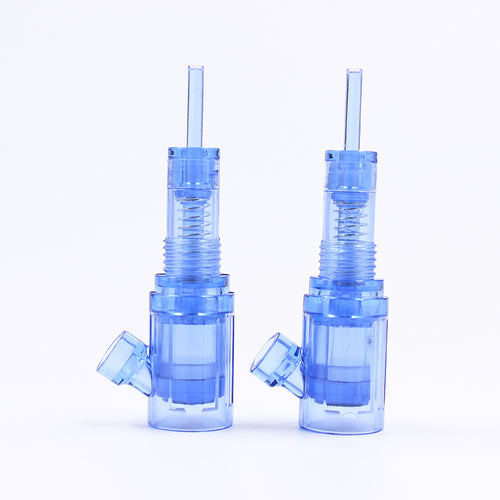
Biomaser Pinky Ultra PMU Needle Cartridges
Compare the Cartridge Specifications With Your Machine
Once you know the machine's cartridge system, compare it with the cartridge product information. This step can prevent a cheap cartridge purchase from turning into an unusable box of supplies.
Look for an Explicit Compatibility Statement
A useful product page should tell you what type of machine the cartridge supports.
Give priority to:
- Machine manufacturer documentation
- Cartridge manufacturer specifications
- Authorized seller information
A listing that simply says "universal" provides less information than a listing that identifies the supported cartridge interface or compatible machine types.
Check for Adapters or Special Grips
Some machines may require a particular grip or adapter to use a certain cartridge system. Do not assume an adapter makes any cartridge compatible.
The better question is: Does the manufacturer specify this exact machine, grip, and cartridge combination? If the answer is unclear, get confirmation rather than modifying the equipment to make the cartridge fit.
Check the PMU Cartridge's Physical Fit
After the specifications match, check the actual cartridge connection. This provides a practical confirmation that the cartridge seats correctly.
The Cartridge Should Insert Normally
A compatible PMU cartridge should not require excessive force. Do not:
- Push a cartridge into an unsuitable opening
- Alter the cartridge housing
- Sand or cut the cartridge
- Force the grip to close around it
A difficult installation can signal a connection mismatch.
The Cartridge Should Lock Securely
After installation, check for:
- Proper locking
- Excessive wobbling
- Unexpected movement
- A loose connection
The cartridge should remain stable in the handpiece during normal operation.
Never Force an Uncertain Connection
If the cartridge does not seat or lock correctly, stop. Recheck the machine instructions and cartridge specifications rather than trying to make the parts work together.


Check the Membrane and Cartridge Construction
The cartridge connection is only part of the design. Internal construction can also affect how a cartridge works with a PMU machine.
Why the Membrane Matters
Many cartridge systems use a membrane to help limit fluid or pigment backflow toward the machine. Some machines specifically call for membrane cartridges, so this feature should be checked against the machine requirements.
Check the Cartridge Housing
The cartridge housing affects how the cartridge sits in the handpiece. Pay attention to:
- Base shape
- Housing size
- Connection design
- Needle position
- Membrane construction
Two permanent makeup cartridges can have the same needle count and still behave differently if their housing or internal design differs.
Do Not Confuse Needle Configuration With Machine Compatibility
Needle configuration helps you select a cartridge for a technique. It does not prove that the cartridge can connect to your machine.
A Needle Code Does Not Tell You the Connection
Examples such as:
- 1RL
- 3RL
- 5RL
- 5RS
- Flat
- Magnum
describe needle groupings or configurations.
They do not tell you if the cartridge housing matches your machine. For example, two 3RL PMU needle cartridges can have the same basic needle configuration but use different cartridge systems. Check the machine connection first, then choose the configuration that suits your trained technique.
Check Functional Compatibility After the Cartridge Fits
A secure connection provides a strong starting point, but you should also check how the machine behaves with the cartridge.
Check Needle Movement
Pay attention to:
- Smooth needle movement
- Unexpected vibration
- Unusual machine noise
- Needle movement that stops or changes
- Cartridge movement inside the grip
A cartridge that fits but produces abnormal operation should not be treated as fully compatible.
Check Needle Protrusion and Depth Adjustment
Machines can use different systems for controlling needle protrusion. The cartridge should work within the machine's intended adjustment range. Do not treat a visible adjustment scale as a direct measurement of pigment implantation depth. Actual application can also vary with cartridge configuration, machine settings, hand speed, pressure, technique, and tissue condition.
Consider Stroke and Cartridge Resistance
Stroke, machine speed, and cartridge resistance can affect working behavior. They should not be treated as fixed compatibility numbers. A machine may support a cartridge connection while producing a different working feel with different cartridge designs. This makes manufacturer specifications and controlled practice more useful than relying on a single voltage or stroke value.
Test an Unfamiliar Cartridge Before Client Work
A new cartridge can change how a familiar machine responds. A short test can help identify connection or movement problems early.
Perform a Visual and Mechanical Check
Inspect the cartridge for:
- Damaged housing
- Broken or bent needle components
- Damaged packaging
- Incorrect seating
- Loose connection
For disposable cartridges, follow the manufacturer's instructions for sterile handling and single use.
Test the Setup Away From the Client
Use a suitable practice surface and follow your professional training and equipment instructions.
Check for:
- Stable cartridge movement
- Normal machine response
- Proper needle movement
- No unusual vibration
- No unexpected leakage or backflow
If the setup behaves differently from the manufacturer's expected operation, stop and verify the equipment instead of continuing with client work.
PMU Cartridge Compatibility Checklist
Use this checklist when deciding how to choose cartridges for a PMU machine.
Before Buying
- Identify the exact machine model.
- Check the machine's cartridge system.
- Confirm universal or proprietary compatibility.
- Read the cartridge manufacturer's specifications.
- Check if an adapter or special grip is required.
- Confirm membrane requirements.
Before Using
- Inspect the cartridge.
- Insert it without force.
- Confirm that it locks securely.
- Check for excessive movement.
- Check normal needle movement.
- Test an unfamiliar setup on a suitable practice surface.
This process gives you a practical way to check PMU cartridge machine compatibility instead of relying on a product title or a single word such as "universal."
Verify the Machine-Cartridge Match Before Use
The simplest way to check PMU cartridge compatibility is to start with the exact machine model, identify its cartridge system, and compare that information with the cartridge specifications. Then check the physical connection, locking fit, membrane requirements, and machine response.
A cartridge that fits is not automatically a cartridge that works correctly. Treat fit as the first check, not the final proof of compatibility.
FAQs
Q1: Are PMU Cartridges Universal for All Machines?
No. Some PMU machines accept standard universal-style cartridges, while others use proprietary cartridge systems. Always check the exact machine model and manufacturer specifications.
Q2: How Do I Know What Cartridges Fit My PMU Machine?
Find the exact machine model, identify its cartridge system, and compare it with the cartridge manufacturer's compatibility information. If the specifications do not provide a clear answer, contact the machine manufacturer.
Q3: Can I Use a Tattoo Cartridge on a PMU Machine?
It depends on the cartridge system. Some PMU machines use standard cartridge connections, while others require dedicated PMU cartridges. A compatible connection should be confirmed from the machine specifications rather than assumed from the cartridge label.
Q4: What Should I Do if a PMU Cartridge Fits but Does Not Run Normally?
Stop using the setup and check the cartridge seating, machine instructions, and compatibility specifications. A cartridge that fits physically but produces abnormal movement or machine behavior should not be treated as fully compatible.
